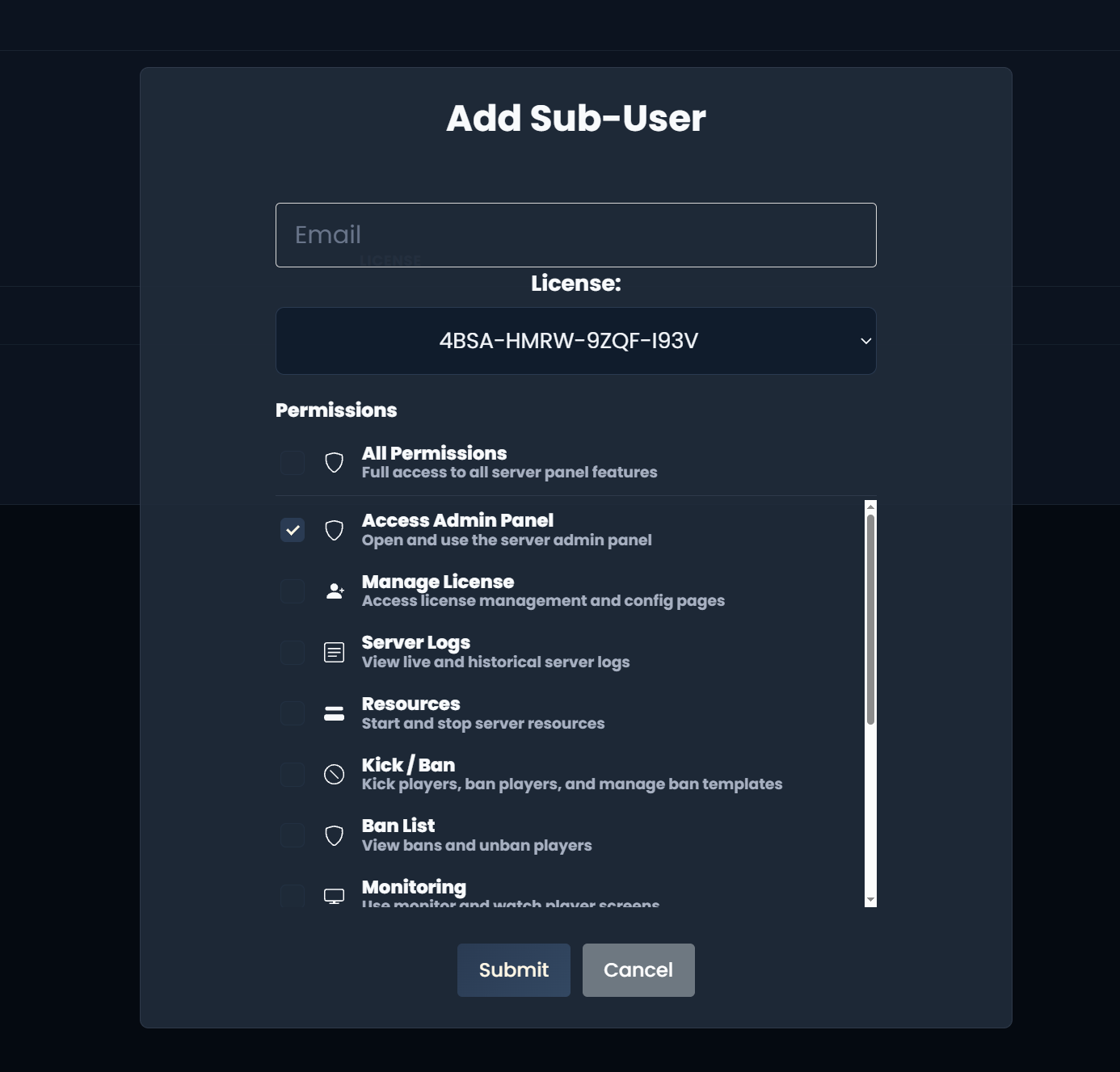
Sub Users
The Sub Users system lets other users access your license.
With Sub Users you can give other people access to the admin panel, license config, admin panel logs and more.
The e-mail you add as a sub user must already have an account on our web panel.
A sub user with the Manage License permission can't get the customer rank on our Discord server. The customer rank is only for users with an active license on their own account.
#Creating a Sub User
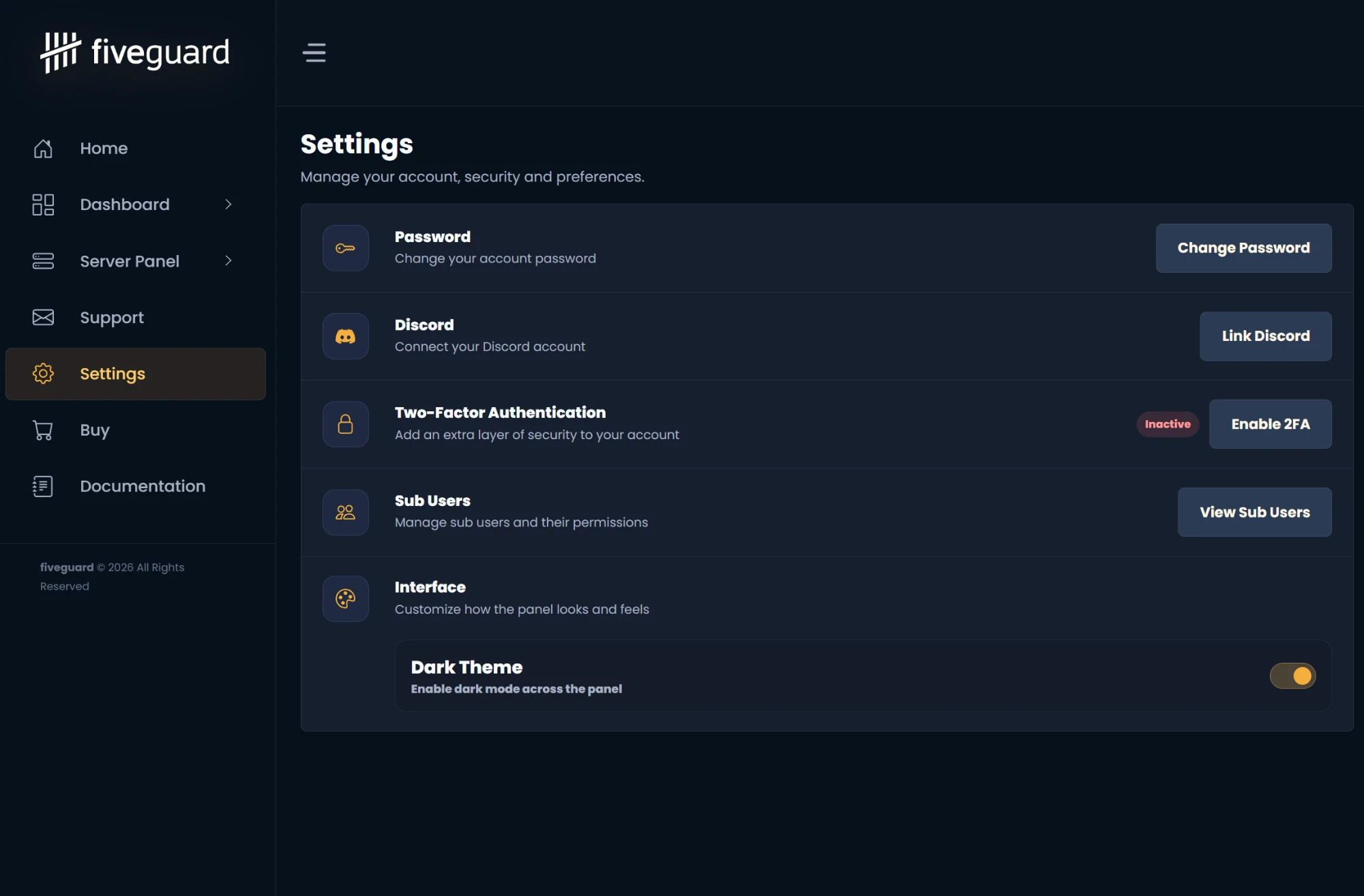
#1. Open Settings and click View Sub Users.
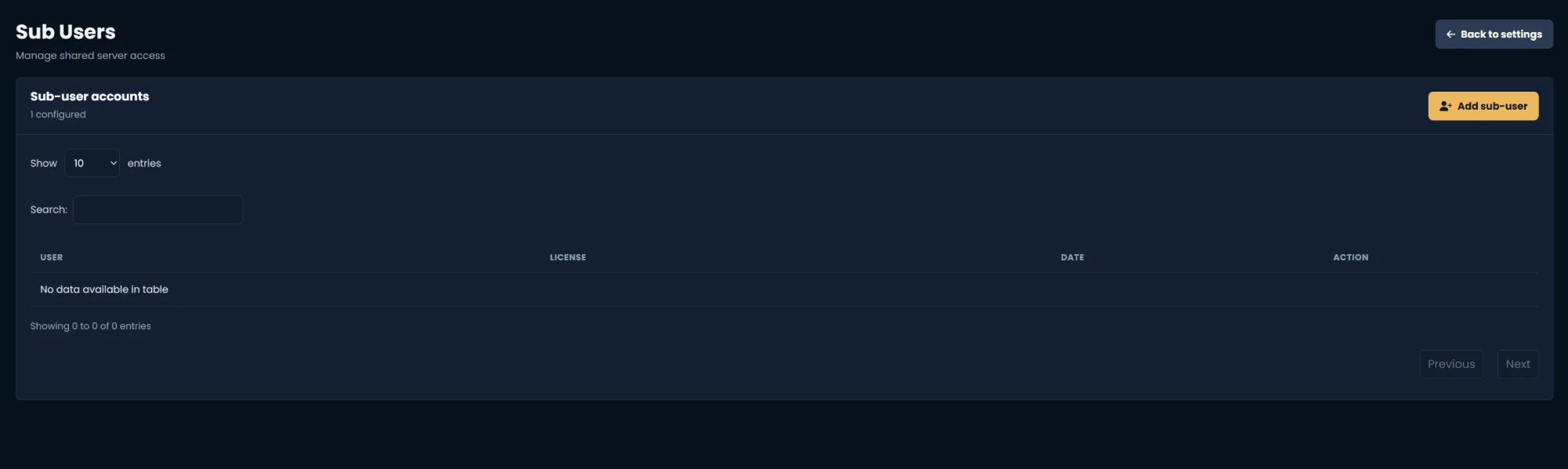
#2. Click the Add sub-user button.
#3. Type the sub user's e-mail, select the license and the permissions, then submit.